Window Peeper CapCut Template: What It Does (and Doesn’t)
How the window peeper CapCut template works, why it is 8.2 seconds, what footage it needs, and when a photo-to-video generator is the faster route.
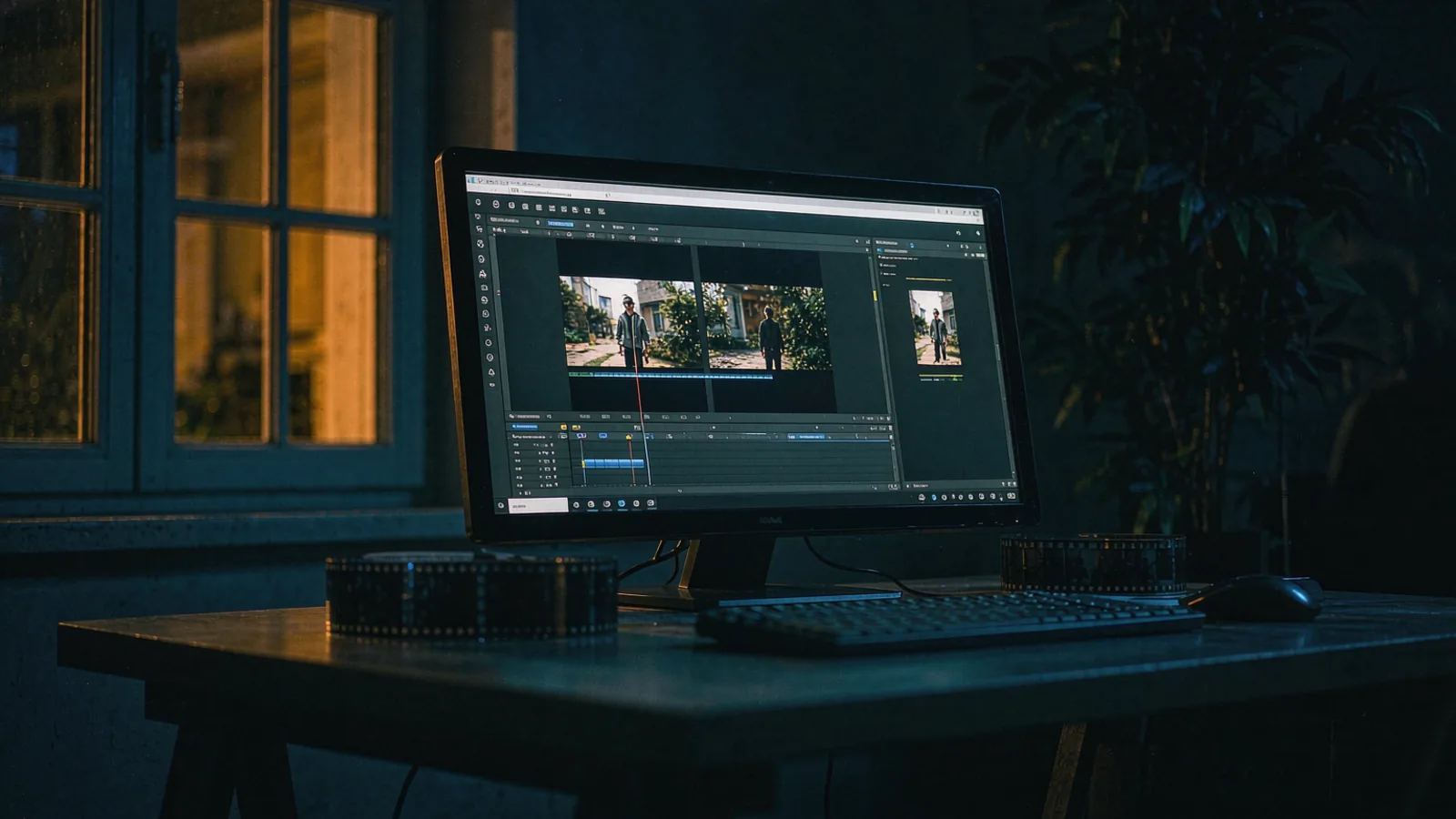
The window peeper CapCut template is the reason this trend left one creator's account and became a format. It is also the most misunderstood piece of the whole thing: people open CapCut, search "window peeper", apply the template, and then discover they still need footage of somebody at a window at night.
This page explains what the template actually does, why it is shorter than the original clips, and how to decide between editing and generating.
What the template is
A CapCut template is an editing preset: cuts, timing, transitions, text, audio and a slot for your clip. It is not a generator and it does not create a scene.
The public window peeper template (ID 7698670250123922694) does four things:
- Holds a ~8.2 second cut with a fixed rhythm — wide, push, look-up, curtain.
- Applies a cold night grade so your footage matches the format's look.
- Adds the caption/audio slot associated with the trend.
- Expects you to drop in a clip where the person in the window looks up at a specific beat.
If your footage does not contain that look-up moment, the template has nothing to time itself against, and the result looks like a night clip with text on it.
Why it is 8.2 seconds and the originals are 14
The template was built to be reusable. Shorter templates are easier to fill: an 8-second slot only needs a few usable seconds of footage, and most people filming at night have about that much before the image falls apart.
The original TikTok clips run longer — around 14 seconds — because they had room to let the push-in breathe and the stare sit uncomfortably. That extra time is where the tension lives.
| Version | Length | What the extra seconds buy |
|---|---|---|
| CapCut template | ~8.2 s | Nothing — it is optimised for reuse |
| Original TikTok clips | ~14 s | Longer push-in, longer stare |
| This site's renders | 14 s | Same as the originals, generated from one photo |
If your goal is "post something tonight and it reads as the trend", 8 seconds is fine. If your goal is "make people comment about how long they held eye contact", you want the longer cut.
Using the template, step by step
- Get footage first. This is the step people skip. You need 10–20 seconds of a person at a lit window, shot from outside, at night, ideally with them looking up partway through.
- Open CapCut → Templates → search "Window Peeper". Pick the entry with the highest use count; copies of copies drift in timing.
- Import your clip into the template's media slot.
- Trim so the look-up lands on the template's beat. Usually around the two-thirds mark.
- Check the export for watermarking. Depending on your account tier and the template, CapCut branding can appear.
- Export 9:16 at 1080p, then post with the trend audio.
Total time, once you have footage: about fifteen minutes. Total time including getting footage: an evening, plus a friend who owes you a favour.
The footage problem
Every complaint about this template comes back to the same thing: the template is free, and it is useless without a scene you probably cannot shoot.
Consider what "getting footage" actually requires:
- A building with one clearly lit window, seen from a dark street
- A ground-floor or first-floor unit you are allowed to film
- A person inside who will sit and eat on camera
- A phone that does not turn them into noise at ISO 6400
- A second person outside to walk the camera in
That is four people, one location, one lighting problem and one scheduling problem — for an eight-second clip.
This is exactly the gap that photo-to-video generators fill. One portrait replaces all five requirements, and the trade is control: you cannot choose the room or the meal, because the scene is generated.
Template vs generator, side by side
| CapCut template | Window Peeper AI | |
|---|---|---|
| What it needs | Footage of someone at a window | One clear photo |
| Length | ~8.2 s | 14 s |
| Scene | Whatever you shot | Fixed: block, push-in, burger, stare, curtain |
| Control over room/meal | Full | None |
| Time to first result | An evening (shooting) + 15 min (editing) | ~4 minutes |
| Cost | Free | From $3.33 a video |
| Watermark | Template branding may appear | None |
| Realism | Real footage, real person | Generated, convincing at phone size |
| Best for | People with footage and a location | Everyone else |
Neither column is "better". They answer different questions. If you have the footage, editing is cheaper and the result is genuinely real. If you do not, generating is the only route that finishes tonight.
When the template is the wrong tool
- You have no footage. Obvious, and yet this is 90% of the traffic searching for the template.
- You want the person to actually be themselves. Generated faces hold up in a small window; they do not hold up if the viewer knows the person's mannerisms well.
- You need a specific room. A template edits your room; a generator invents one.
- You want to sell the video. Footage you shot has a clean chain of rights. Generated content needs AI disclosure on most platforms.
When the template is the right tool
- You already filmed something at night and it is sitting in your camera roll.
- You want zero cost. The template is free; only your time is spent.
- You want a real location. A real building reads differently from a generated one, and some audiences can tell.
- You are editing a batch for several people who all shot their own clips.
A hybrid route nobody mentions
Shoot the window scene, but cheat the push-in: film a static wide shot of a lit window, then use CapCut's keyframes to zoom slowly instead of walking. It removes the tripod problem and the second person, and at 8 seconds most viewers cannot tell a digital push from a dolly move.
You still need the person in the window. That is the one thing no editing trick replaces.
Frequently asked questions
Is the window peeper CapCut template free? Yes. Templates are free to use inside CapCut; export watermarking depends on your account and the template.
Do I need CapCut Pro? Not for the template itself. Pro matters for watermark removal and some export options.
Can the template generate the window scene for me? No. It is an editing preset. For generation, use a photo-to-video tool — see the generator comparison.
Why does my export look different from the trend? Usually the look-up timing. The template cuts on a beat your footage has to hit; if the actor looks up early, the stare gets clipped.
What is the template ID?
7698670250123922694. Search the number directly if the name returns copies.
Is there a filter version instead? People call it a filter, but there is no TikTok effect that produces this scene from a photo. Filter vs AI video explains what those effects actually do.
If you have footage, open CapCut. If you have a photo and four minutes, start here. And if you are still deciding what to shoot, how to make a window peeper video covers the filming route properly.