How to Make a Window Peeper Video: 3 Routes Compared
Three ways to make the window peeper video — film it at a real window, use the CapCut template, or generate the scene from one photo. What each needs, costs and gets you.
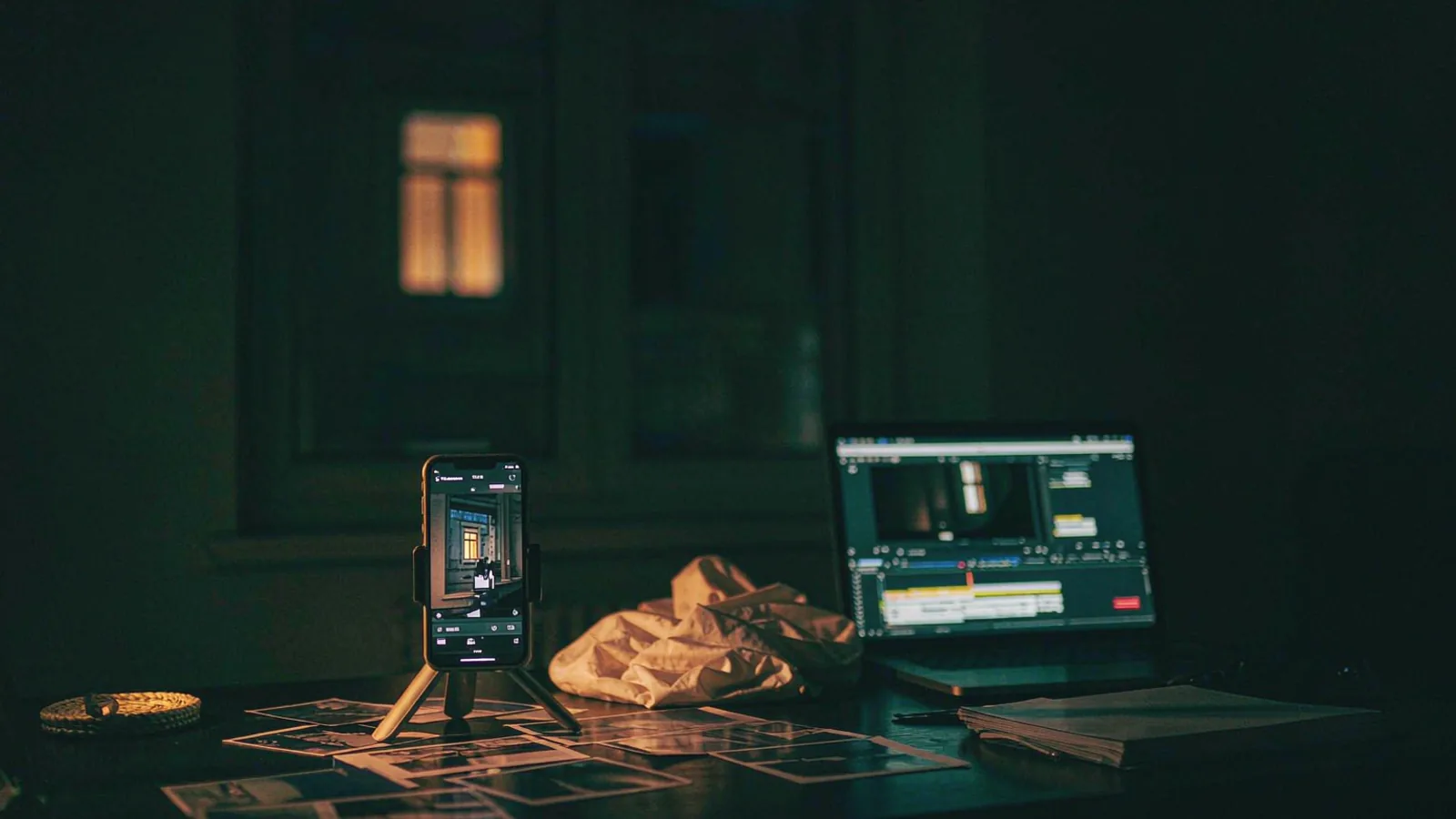
There are exactly three ways to make a window peeper video, and they differ in what you have to bring: a window, footage, or a photo. Everything else — the five beats, the 9:16 frame, the stare, the curtain — is fixed.
This guide walks all three routes, including the parts the tutorials skip: how long each one really takes, what breaks, and which one to pick if you have a deadline tonight.
The short answer
| Route | You need | Time | Cost | Best for |
|---|---|---|---|---|
| Film it yourself | A dark street, a lit window, a helper, a phone | 2–4 hours | Free | People who want to say they shot it |
| CapCut template | Footage of somebody at a window | 15 minutes | Free | Anyone who already has the footage |
| Photo-to-video generator | One clear portrait | ~4 minutes | From $3.33 a video | Everyone else |
If you are reading this because you want the video tonight and you do not have a lit apartment block outside your door, route three is the one that will actually finish.
Route 1: film it yourself
The version that started the trend. It is more achievable than it looks, and more annoying than the tutorials admit.
What you need
- A dark street with a building that has one obviously lit window. Ground floor or first floor is easiest; anything higher and your phone's stabiliser will start fighting you.
- A helper inside, seated at a table near the glass, with a burger and a drink.
- A phone that shoots decent video in low light. Anything from the last three years is fine if you keep it steady.
- A tripod or a wall to brace against. The push-in has to look slow and deliberate; handheld wobble kills the joke.
How to shoot it
- Frame the building, not the window. Start wide enough that the lit window is a small rectangle in a dark grid. That contrast is the entire establishing shot.
- Roll for at least 30 seconds before the action. You need room to slow the push-in in the edit.
- Walk toward the window at half speed. Walking, not zooming — a real dolly move reads as "someone crossing the street", which is what the format is imitating.
- Signal your helper to look up. A phone call, a torch blink, or a pre-agreed count. Their timing is the whole clip.
- Hold the stare for four full seconds. Longer than feels comfortable. That discomfort is the joke.
- Let them close the curtain in one movement. No hesitation, no smiling at the camera.
Where it goes wrong
Night footage is noisy, and noise destroys faces. If your phone cranks ISO to 6400, the person in the window turns into a smear at the exact moment the joke needs their expression. Shoot on the brightest phone you can borrow, keep the window light on inside, and do not add digital zoom — walk instead.
The other common failure is staging: a friend who grins at the camera breaks the reality of the scene. Brief them once: "you are not performing, you are annoyed that someone is watching you eat."
Route 2: the CapCut template
The public template (ID 7698670250123922694) is what spread the format. It handles the timing, the caption style and the audio, and it runs about 8.2 seconds.
Step by step
- Open CapCut and search Window Peeper in the template tab.
- Pick the template with the highest use count — copies of copies lose the timing.
- Import a clip of somebody at a window. This is the part people miss: the template does not create the scene, it edits yours.
- Trim so the "look up" moment lands where the template expects it.
- Export at 9:16, 1080p if your source allows.
The catch
The template is an editing preset, not a generator. If you do not have footage of a person at a window at night, you have nothing to feed it. That is why so many people search for a "window peeper filter" and end up disappointed — filters and templates both assume you already shot the scene.
There is also a watermark question: template exports can carry CapCut branding depending on your account and the template. Check the export before you post.
We compared the two routes in detail in window peeper CapCut template.
Route 3: generate it from one photo
This is the route this site is built around, so here is the honest version, including the limits.
Step by step
- Pick the photo. One adult, both eyes visible, nose roughly toward the lens, head and shoulders in frame, even light. The outfit in the photo is the outfit in the window, so pick one you want to be caught in.
- Upload it in the generator at the top of the home page.
- Choose quality. Standard 480p costs 1 credit, HD 720p costs 2. At 480p the face holds up but hands get mushy; if your photo has hands near the face, spend the extra credit.
- Confirm consent. Your own photo, or an adult who agreed to it. No public figures, no minors.
- Wait about four minutes. You can close the tab — the render lands in your library either way.
- Download the MP4 and post. It arrives at 9:16 with night ambience and no watermark.
What you get
- 14 seconds, 9:16, MP4
- The five beats: block, push-in, bite, stare, curtain
- Your face and your outfit, taken from the photo
- No watermark, no app, no editing
What you do not get
- A different room, a different meal or a different camera move. Every render uses the same scene.
- A guarantee on the first try. Face drift happens, especially with turned heads and dark photos. The troubleshooting guide covers the seven usual causes.
- A licensed copy of the trend audio. We ship ambience; you add the sound inside TikTok.
Which route should you pick?
Ask yourself two questions.
Do you have footage of somebody at a window at night? If yes, the CapCut template is free and fast. If no, skip to the next question.
Do you have a clear portrait and five dollars? If yes, generate it. If you have neither, film it — but block out an evening, because the first attempt usually fails on light.
Most people who arrive from a TikTok comment are in the third bucket: no footage, no window, one photo, and a group chat waiting for the video. That is precisely the gap the generator fills.
Posting it properly
The render is half the post. The other half:
- Add the trend sound inside TikTok. Search "window peeper", pick the audio with the arrow, and use it. Do not download a track from a third party.
- Caption with the accusation, not the explanation. "who is filming my window at 2am" beats "made with AI lol".
- Tag
#windowpeeperplus#windowpeeperaiand#windowpeeperfilter— people search all three spellings. - Post between 7pm and 11pm local time. The scene reads as night, and so does the feed.
- Label it as AI if your platform asks. TikTok, Instagram and YouTube all have disclosure toggles now; using them costs you nothing and protects the account.
More caption and hashtag patterns are in window peeper sound and hashtags.
Frequently asked questions
Do I need CapCut to make a window peeper video? No. CapCut is one of three routes. The generator route needs nothing but a browser.
Can I make one on my phone? Yes — all three routes work on a phone. Filming is the only one that benefits from a tripod.
How long does the generated version take? About four minutes on average, longer at peak times.
Can I make more than one from the same photo? Yes, but you will get near-identical renders. The scene is fixed; a second run is useful for a retry, not for variety.
What if the person in my photo is wearing something odd? The outfit carries over. That is usually the funniest part — a work suit at 2am is a better joke than generic pyjamas.
Is it legal to put my friend in the video? With their consent, yes. Without it, no — and it is also against our terms. Read consent and safety before you upload somebody else's face.
Ready to try the four-minute route? Upload one photo and see what the window does with it. If you want to compare tools first, start with the best window peeper AI generators.