Window Peeper Photo Guide: What Works and What Breaks
The photo decides everything in a window peeper video. A checklist for faces, outfits and lighting, eight real scenarios, and the fixes for the seven most common uploads that miss.
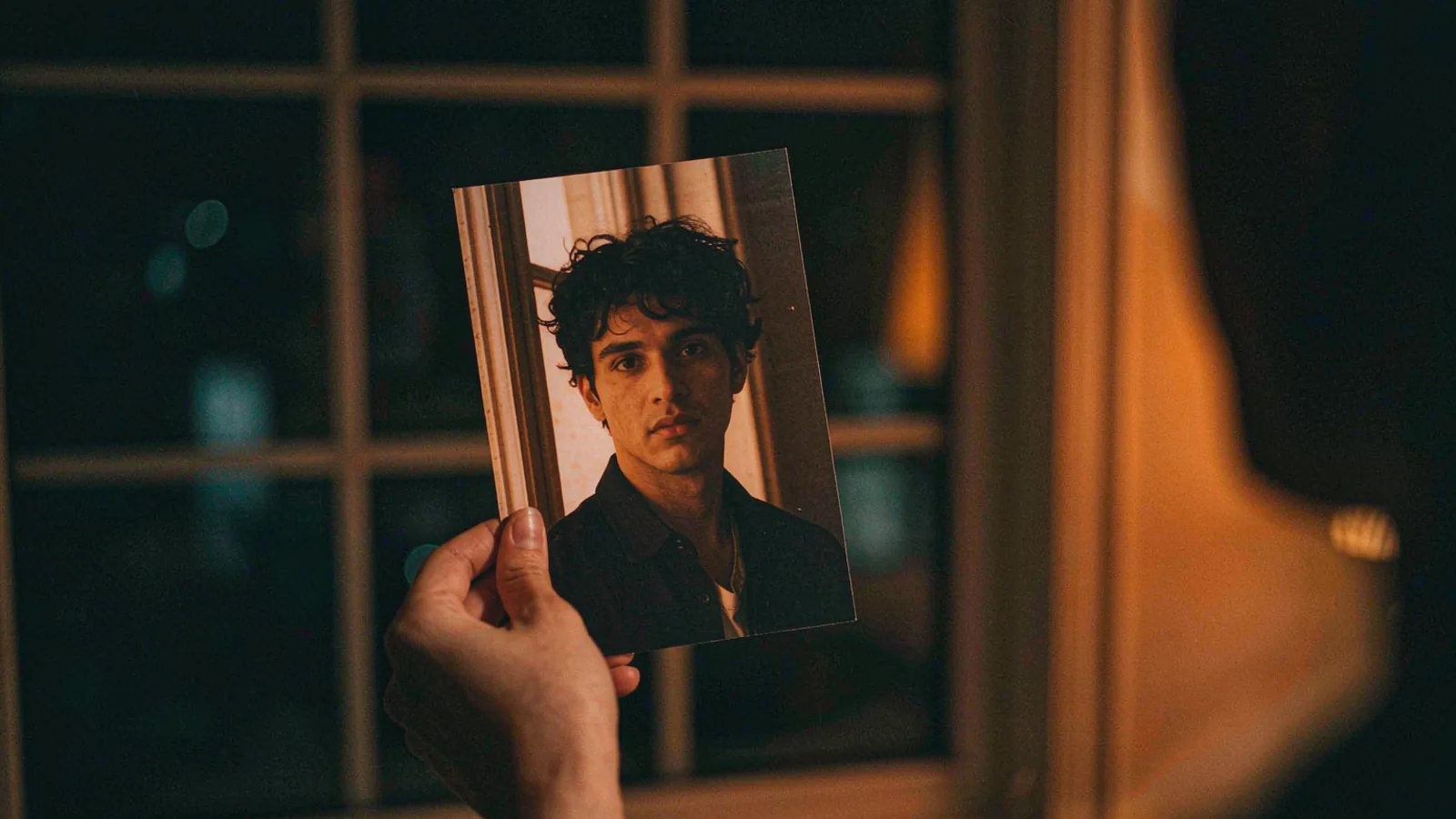
In a window peeper video, the photo is the whole brief. There is no prompt to compensate for a bad upload, no settings to rescue a turned head. The model reads a face, an outfit and a light level, and builds fourteen seconds around whatever it found.
This guide is the checklist we would hand someone before they spend a credit — plus the eight scenarios people actually arrive with, and what to do about each.
The 60-second checklist
Before you upload, run these six checks. Any single "no" is worth fixing before you spend a credit.
| Check | Pass | Fail |
|---|---|---|
| How many people? | One | A group, or a photobomber |
| Face angle | Nose roughly toward the lens | Profile, or turned past a quarter |
| Eyes | Both visible, unobstructed | Sunglasses, mask, hair, hand |
| Framing | Head and shoulders | Cropped forehead, or a full-body shot |
| Light | Even, from the front | Backlit, single side lamp, harsh flash |
| Resolution | Original file, 1000 px+ short edge | Screenshot of a screenshot |
If all six pass, upload. If four or five pass, upload anyway on the cheapest tier — the model is more forgiving than this table makes it sound, and a 480p test costs one credit.
Why each check matters
One person
The scene has one person at one table. When a second face enters the reference, the model has to decide what to do with it, and it usually puts a blurred second figure in the room. That reads as a mistake, not a choice.
Crop to one person before uploading. Cropping is free and fixes the failure completely.
Face angle
The second half of the clip is a stare. A stare needs two eyes looking at the lens. A three-quarter portrait can work — the model will rotate the head — but a profile cannot: there is nothing to stare with.
The practical rule: if you can see both pupils, it will work.
Eyes
Sunglasses are the single most common cause of a render that "looks like a different person". The model reconstructs eyes from the surrounding face, and it usually gets the shape wrong. Same for a mask, a hand, or a fringe that covers one eye.
This is also why the format works better with a plain portrait than with a styled selfie. Styling is what gets in the way.
Framing
The outfit in the photo is the outfit in the window. That means the photo has to contain the outfit. A tight headshot leaves the model inventing a shirt, and invented shirts are the second most common complaint after face drift.
Shoot from mid-chest up. If you want the joke to be "my boss still in his tie", the tie has to be visible in the source.
Light
Even, front-facing light is the whole game. Backlighting — a window behind you, a bright screen, a lamp to one side — flattens or splits the face, and the model inherits that flatness into a scene where the only light source is a warm interior.
Daylight near a window, facing the window, is the best light most people have access to. It is also unflattering in a useful way: it shows texture, which the model reads as detail.
Resolution
Generators upscale, they do not invent. A 300-pixel face becomes a 300-pixel face stretched over a window, and at second seven the window fills the frame.
Use the original file. If the only copy you have is a WhatsApp forward or a screenshot, find the original — it matters more than any other variable here.
The eight scenarios people arrive with
1. The good selfie
Front camera, daylight, head and shoulders, neutral expression. Upload as-is. This is the ideal input and roughly a third of uploads look like this.
2. The group photo
Crop to one person first, tight enough to remove shoulders that belong to someone else. Do not upload the group and hope.
3. The pet
Works maybe half the time. The model is trained on human faces, so a cat or dog either reads beautifully (because the shape is simple) or collapses into a human-ish face with fur. Try one 480p render before buying a pack.
4. The cartoon or game character
Illustrated faces often work surprisingly well because the features are high-contrast and unambiguous. Expect the render to look like a person cosplaying the character rather than the character itself.
5. The night selfie
Usually too dark, and often lit from below by a phone screen. If the face is visible at all, the model will brighten it into something waxy. Reshoot in daylight if you can.
6. The old photo
Fine if it is sharp. Grain is survivable; blur is not. A scanned print at 1200 px usually beats a modern phone photo of the same print.
7. The formal portrait
Excellent input, and the funniest category. A graduation photo, a work headshot, a wedding portrait — the contrast between the formality and the burger is the joke.
8. The mirror selfie
Half the frame is a phone. The model either ignores it or tries to render a second phone in the room. Crop the phone out, or use a different photo.
The fixes, in one table
| Symptom | Likely cause | Fix |
|---|---|---|
| Face drifts to a stranger | Turned head, or eyes obscured | Front-facing photo, both eyes visible |
| Wrong clothes | Outfit not in frame | Include shoulders and chest |
| Too dark / waxy skin | Backlit or single-lamp source | Daylight, facing a window |
| Second person in the room | Group photo | Crop to one person |
| Soft, smeared features | Low resolution or re-compressed file | Original file, 1000 px+ |
| Hands melt into the burger | 480p artefact | Try 720p, or hide hands in the source |
| Expression reads as a smile | The photo was a smile | Neutral or slightly annoyed expression |
The last one is worth dwelling on: the format wants a deadpan face. A cheerful photo produces a cheerful render, and a cheerful person staring at you is a different, worse joke.
What the photo cannot control
Three things people ask for that the input does not affect:
- The room. Fixed: warm interior, small table, burger.
- The camera move. Fixed: wide block, slow push, no cuts.
- The curtain. Fixed, and it always closes.
If you need any of those to change, you are looking for a prompt-based tool rather than a photo-to-video one — see window peeper prompt.
Consent, briefly
You can upload your own photo. You can upload an adult's photo if they agreed. You cannot upload a public figure, a minor, or a photo taken without the subject knowing.
This is not a legal disclaimer bolted onto a product page — it is the premise of the format. The joke only works because the person in the window chose to be caught. The long version, including what happens when someone breaks the rule, is in consent and safety.
Frequently asked questions
Can I use a photo where I am not looking at the camera? If both eyes are visible and the head is turned less than about a quarter, usually yes. A full profile will not work.
Do I need a professional photo? No. Daylight and a front-facing face beat any amount of production value.
Will my clothes be the same? Yes — that is a feature. A work suit, a dressing gown or a football shirt all carry over, and all of them are funnier than a generic outfit.
Can I use a photo of my friend? Only with their consent, and only if they are an adult. Get the yes in writing.
Why does the render not look exactly like me? Because it is a reconstruction at 480p, seen through a window, at a distance. Pause on the stare and the illusion thins; watch it at phone size and it holds.
Should I use 480p or 720p for my first try? 480p. It costs one credit, it tells you whether the photo works, and most people never need the second tier.
Got a photo that passes the checklist? Put it in the window. If the first render misses, the troubleshooting guide maps each symptom to the fix.