Window Peeper AI Video: The Complete Buyer’s Guide
Everything about the window peeper AI video: what the 14-second clip contains, which photo works, what 480p and 720p actually cost, how your upload is stored, and where the format stops.
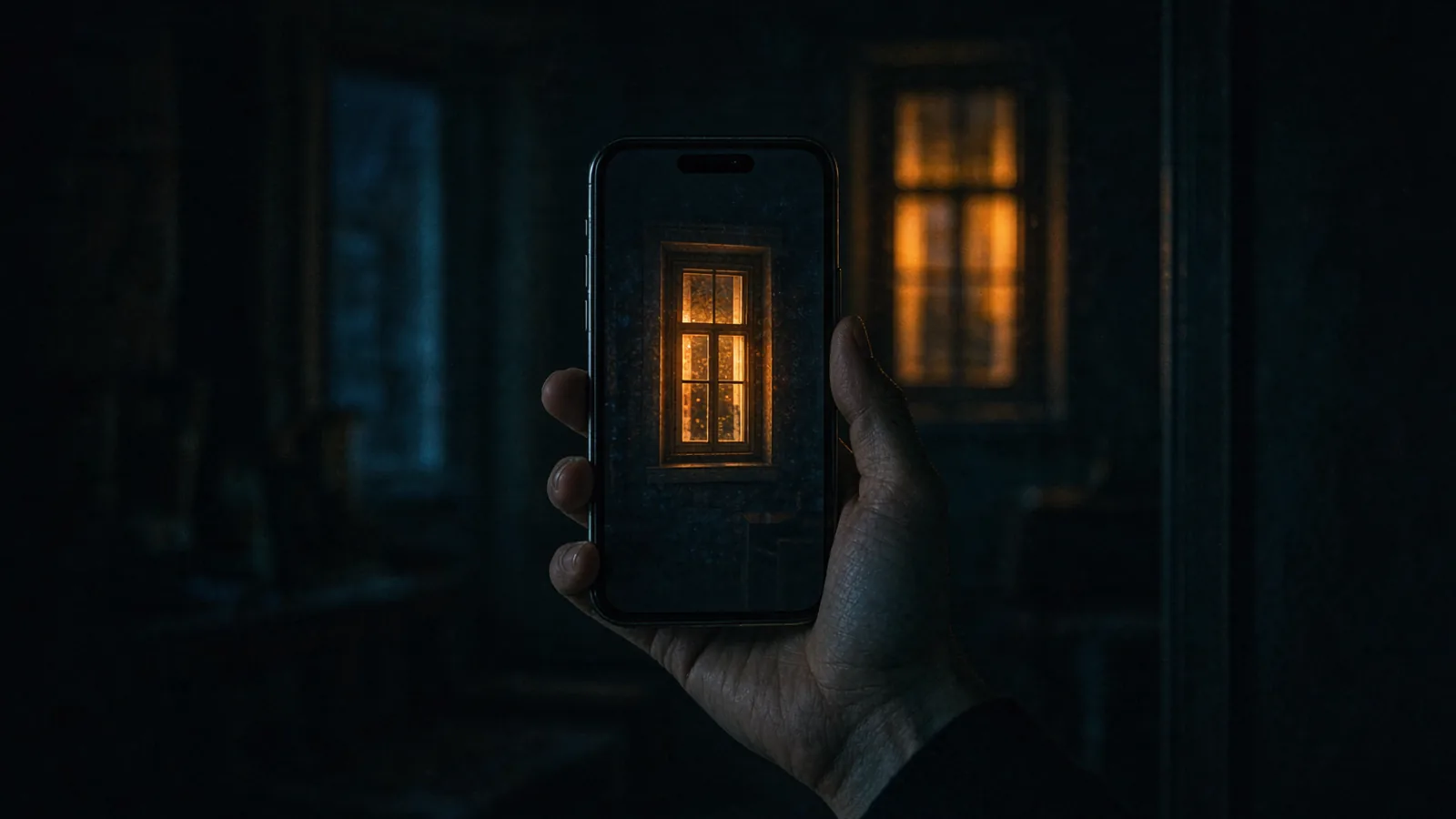
A window peeper AI video is a fourteen-second vertical clip of the night-window trend, generated from a single photo instead of filmed. You upload a portrait, the model rebuilds the scene — dark block, one lit window, slow push-in, someone eating a burger, the stare, the curtain — and puts the face and outfit from your photo inside it.
This page is the whole product in one place: what is in the clip, which photo works, what it costs, what happens to your upload, and where the format stops being a good idea. It is long on purpose. Most of the questions people email us are answered somewhere below.
What you actually get
Every render is the same specification. There is no settings panel to get lost in, which is deliberate: the format only works because it looks identical every time.
| Spec | Value |
|---|---|
| Length | 14 seconds |
| Aspect ratio | 9:16 vertical |
| Resolution | 480p (Standard) or 720p (HD) |
| Format | MP4, H.264 |
| Audio | Night ambience (no trend track) |
| Watermark | None |
| Delivery | Download from your library, usually within ~4 minutes |
| Source photo retention | Deleted after 7 days |
Two things surprise people.
There is no trend audio baked in. We cannot license the track that made the format famous, so the file ships with low night ambience and you add the sound inside TikTok or Reels. That is also why the clip works muted — half the views happen with the phone on silent anyway.
The scene never changes. No menu for a different room, a different snack, a different camera move. The burger, the warm interior, the push-in and the curtain are the product. Every competitor that offers "swap the meal" ends up with renders that look like neither the trend nor a coherent scene.
The photo is the whole brief
There is no prompt field, because there is nothing to describe — the scene is fixed. The only input that matters is the photo, and it decides three things: the face, the outfit, and how much the model has to invent.
| Photo property | What it controls | What breaks it |
|---|---|---|
| Face angle | Whether the stare reads as you | Head turned more than a quarter |
| Eyes | The entire second half of the clip | Sunglasses, masks, hair across the face |
| Framing | The outfit in the window | Tight headshots with no shoulders |
| Lighting | Skin tone and detail at 480p | Backlit windows, single-lamp selfies |
| Resolution | Sharpness during the push-in | Screenshots of screenshots |
| Background | Nothing — it is discarded | A busy background is fine |
The best photo is boring: a front-facing portrait, daylight, head and shoulders, no filter. If you have a passport photo you are willing to be seen in, you have the right image.
Two cases where the photo matters more than usual:
- Hands near the face. At 480p, hands and fingers smear during the bite. Either upload a photo with hands out of frame, or spend the extra credit on 720p.
- A hat, a hood, a high collar. These survive well and usually improve the joke, because the silhouette reads faster on a small screen.
There is a longer checklist with example scenarios in the window peeper photo guide.
Quality tiers: 480p vs 720p
Two tiers, one credit each and two credits each.
| Tier | Credits | Price per render (12-pack) | Best for |
|---|---|---|---|
| Standard 480p | 1 | $3.33 | Fast posts, group-chat jokes, testing a photo |
| HD 720p | 2 | $6.67 | Anything you plan to keep, hands in frame, larger screens |
480p is not a compromise the way it sounds. On a phone, at arm's length, a 480p 9:16 clip is indistinguishable from 720p for most of the run — the window is small for the first three seconds and the face is the only thing with detail. Where 480p shows its seams is the mid-bite moment: fingers, cutlery, the burger itself.
Our rule of thumb: test at 480p, re-render at 720p only if you are posting it as a main feed post. Most people never need the second render.
What it costs, honestly
Credits, one-time, no subscription.
| Pack | Price | Per video | Notes |
|---|---|---|---|
| Single | $9.99 | $5.00 | 2 credits — two 480p renders, or one 720p |
| Trio | $24.99 | $4.17 | 6 credits — six 480p, or three 720p |
| Twelve | $39.99 | $3.33 | 12 credits — 720p stops being a splurge |
The pricing is designed so that the twelve-pack is the obvious choice if you are making videos for a group chat, which is what most people actually do: you, two friends, your roommate, the boss. If you are making exactly one video for yourself, the single pack is honest and we would rather you buy it than a bundle you will not finish.
Credits do not expire, and a failed render returns them automatically. The full cost breakdown — including what "free" tools actually charge you in time and watermarks — is in window peeper video cost.
What happens to your photo
Short version: it is used to render your video, and deleted seven days later.
- Not published. Renders are private to your account unless you send one to us for the gallery.
- Not used as a public example. We do not have a wall of customer faces.
- Not used to train models. Your upload is inference input, not training data.
- Not shared with advertisers. There is nothing to share it with — no ad pixel reads your upload.
The seven-day window exists so you can retry a failed render without re-uploading. After that the file is gone, which also means we cannot re-run a render from a month ago. Keep the MP4; the source is temporary.
More on this, including what happens when somebody uploads a photo they should not have, in consent and safety.
Who is allowed in the window
This is a comedy format about being watched, so consent is not a legal footnote — it is the premise. The rules are short:
- Your own photo, always fine.
- An adult who agreed. A friend, a partner, a colleague. Get the yes in a message you can screenshot.
- No public figures. Politicians, celebrities, athletes — anyone whose likeness carries commercial rights.
- No minors. No exceptions, no "it's just a joke", no old school photos.
- Nothing taken secretly. If the person did not know the photo was taken, it does not belong here.
Uploads that break these rules are removed and the credits are not returned. That sounds harsh until you consider the alternative: a tool that will put any face in any window is a tool that gets used on people who never agreed, and that is how formats like this get banned.
Where the format stops
Three honest limits.
It is one scene. If you want a different room, a rainy window, a hotel corridor or a second person at the table, this is not the tool. The scene is the product.
It is a still photo brought to life, not a performance. The model reproduces the face and outfit; it does not know your mannerisms. A photo with a strong expression — a half-smile, a raised eyebrow — reads much better than a neutral one.
It is comedy, not realism. At 480p the illusion holds because the window is small. Pause on the stare and you will find the tells: slightly soft edges, a hand that is more suggestion than anatomy. That is the trade for four minutes and five dollars.
When a generator is the wrong choice
If any of these are true, do not buy credits:
- You already have footage of somebody at a window → use the CapCut template instead.
- You want to control the meal, the room or the camera move → film it.
- You need the person to actually move like themselves → film it.
- You want a free version with no watermark → read free window peeper AI and decide with real numbers.
Frequently asked questions
Is the window peeper AI video real or fake? It is a real, generated video file — the scene inside it is synthetic. Nobody is filmed through an actual window; the block, the room and the burger are generated.
Do I need to write a prompt? No. There is no prompt field. The scene is preset; your photo is the only input.
Can I use a photo of my pet? Sometimes. The model is tuned for human faces, so animals and illustrated characters work only when the face is clear and front-facing. Expect a higher failure rate.
How long does it take? About four minutes on average. Peak hours stretch it.
Can I get a refund? Unused credits are refundable within 14 days. A failed render refunds itself automatically.
Does it work on an iPhone? Yes — everything runs in the browser. Upload from the photo library, download to Files, post.
Is there a subscription? No. Nothing renews.
The fastest way to understand the product is to run one. Upload a photo, pick Standard, and see whether the window recognises you. If it does not, the troubleshooting guide will usually tell you why within a minute.